Overview
The EDI 856 (Advance Ship Notice / ASN) is commonly used by shippers to notify trading partners about pending deliveries. Integrating EDI 856 messages with modern systems often requires parsing, validation, mapping, and reliable transport. Mulesoft provides a flexible platform to implement these steps using connectors, DataWeave, and orchestration flows.
Key considerations
- EDI Format: EDI X12 856 has a hierarchical structure (ISA/GS/ST/SE/GE/IEA and nested segments like BSN, HL, LIN).
- Transport: AS2, SFTP, FTP or HTTP endpoints are commonly used to receive/send EDI files.
- Validation: Syntax/semantic validation and required segment checks are important before mapping to downstream systems.
- Mapping: Map EDI segments to canonical or target domain objects (e.g., ASN -> Shipment object). All EDI formats adhere to different standards and structures.
Mulesoft architecture (recommended)
- Reception flow: Use
HTTP Listener/SFTP/AS2connector to receive the EDI file. If you want to expose the functionality using REST/SOAP API then add security/compliance policies at API Manager. Consider following API-led connectivity approach for reusablity. - Validation flow: Run an EDI parser (e.g., EDI Connector or custom parser) and validate segments.
- Transformation: Use DataWeave to transform the parsed EDI structure into a canonical JSON or the target system payload.
- Routing & Delivery: Use connectors (JMS, HTTP, REST, or database) to deliver to the target application.
- Logging & DLQ & Error Handler: Log processing results and push failures to a Dead Letter Queue for manual review. Add Standard Error Handler logic for robustness.
Read EDI 856 from SFTP
To read the EDI 856 file from an SFTP server, we are going to follow the steps below.
-
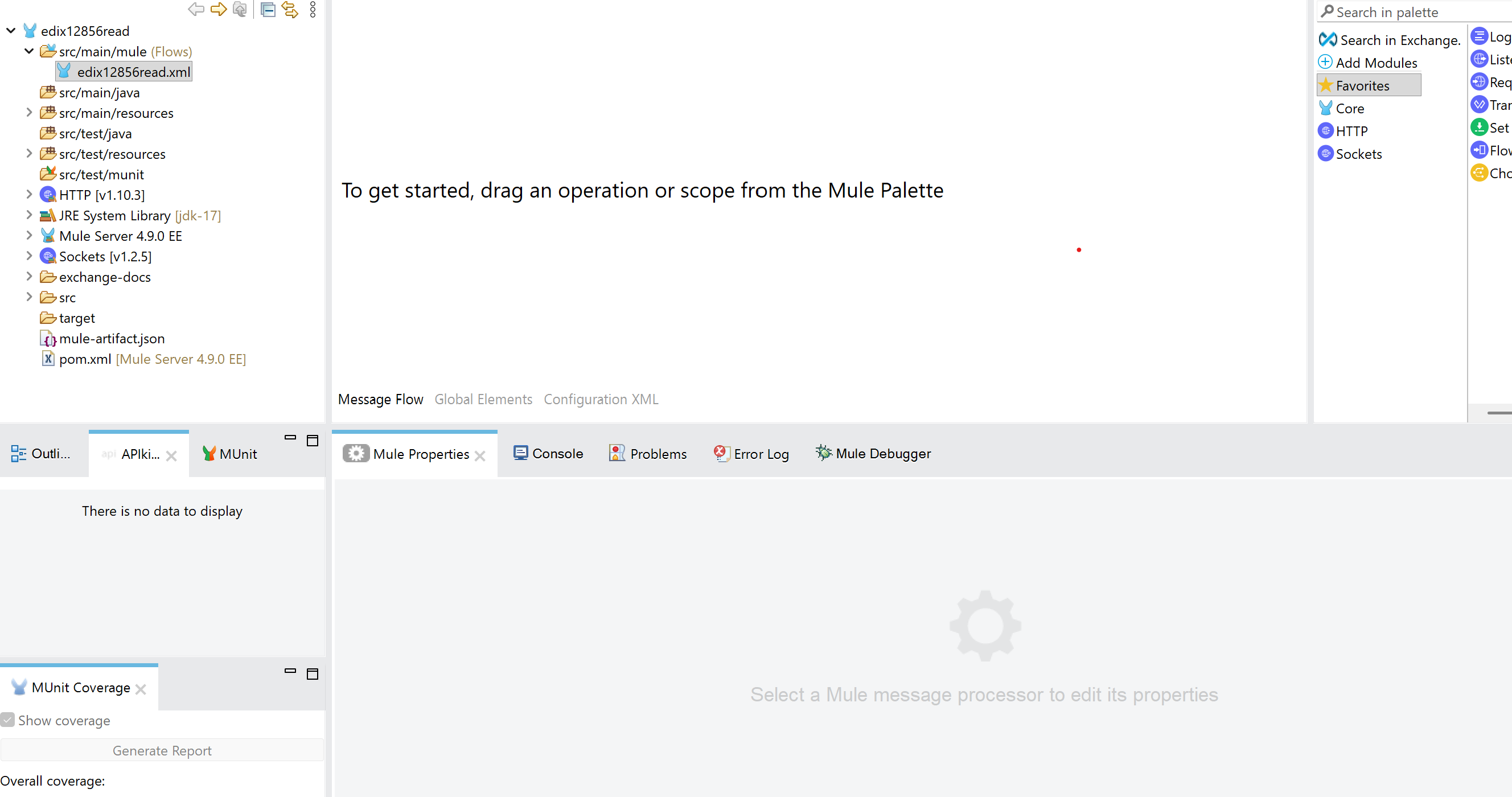
Create a new project named edix12856read
-
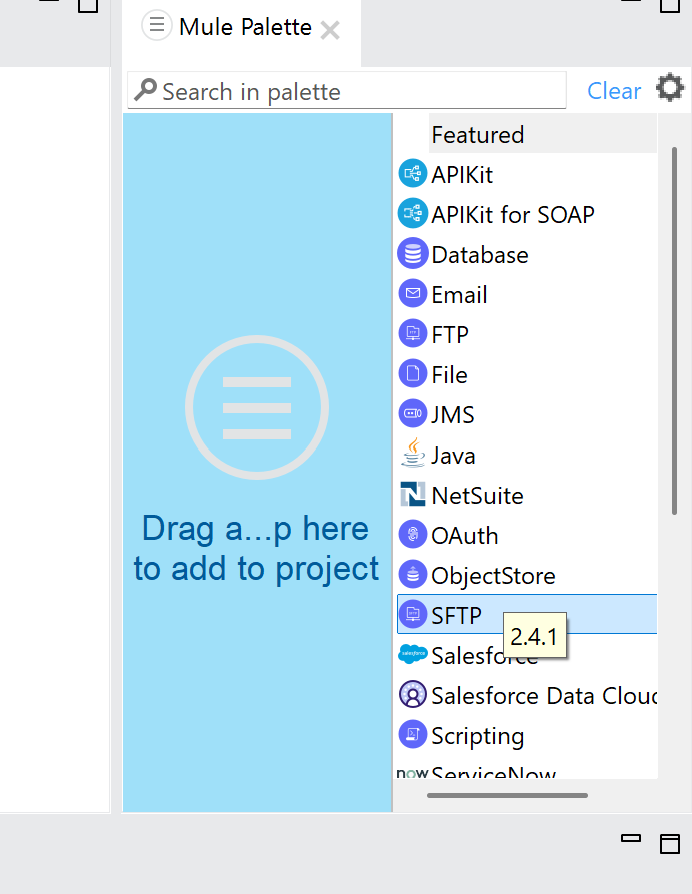
Add SFTP Connector to read EDI 856 files
-
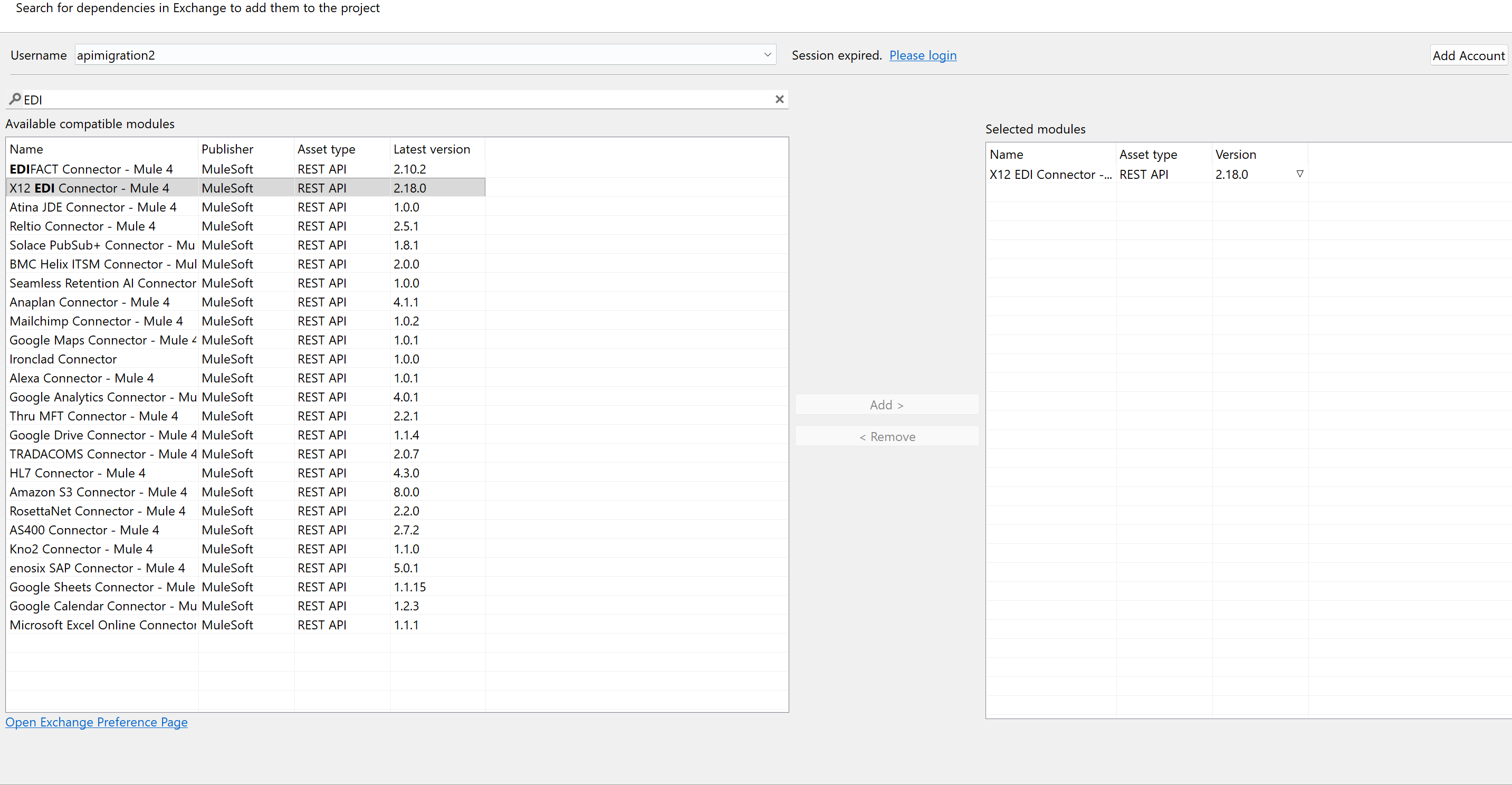
Add EDI X12 connector from Exchange and import it to Studio
-
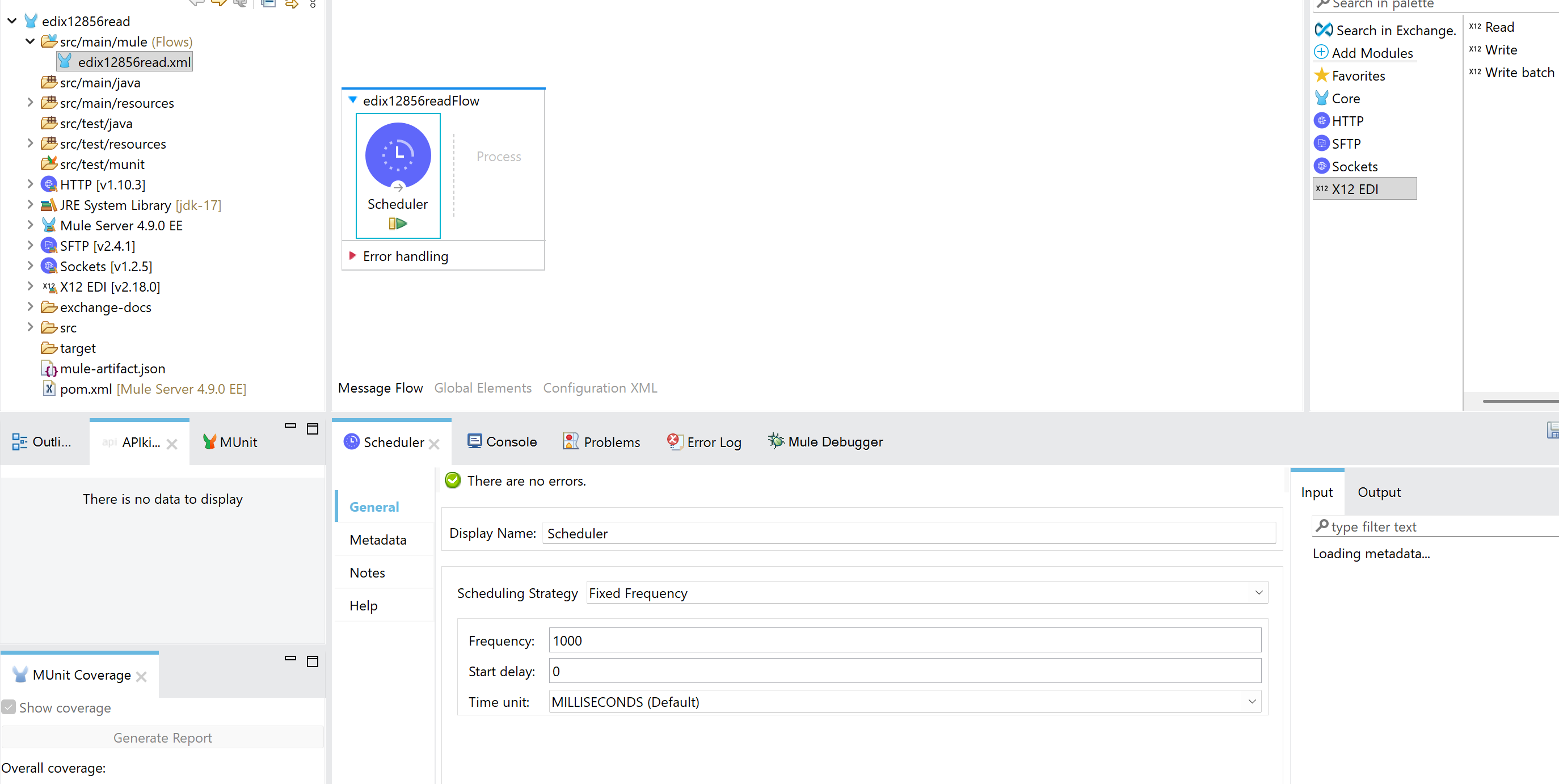
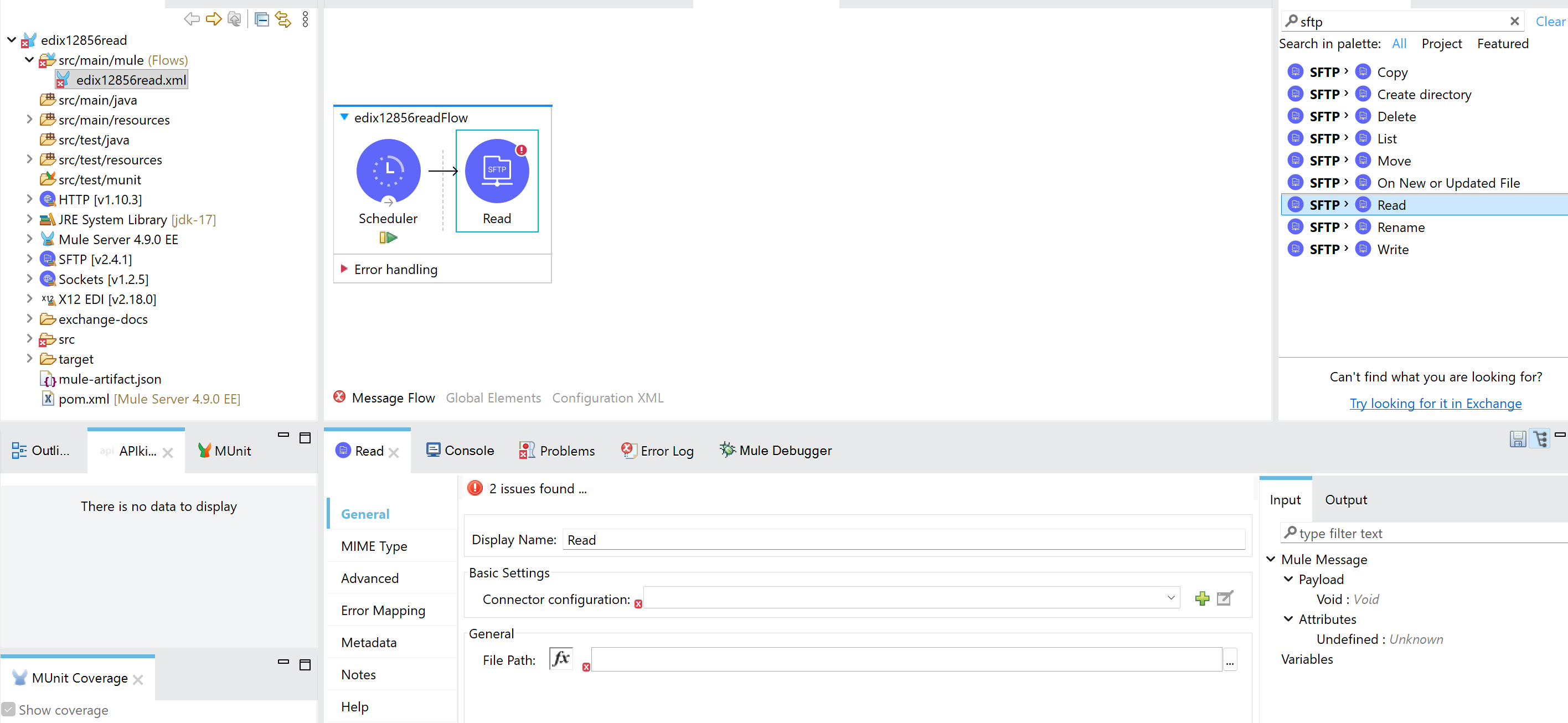
Add a Scheduler from the pallette
-
Add SFTP Read from the pallette to the Studio
-
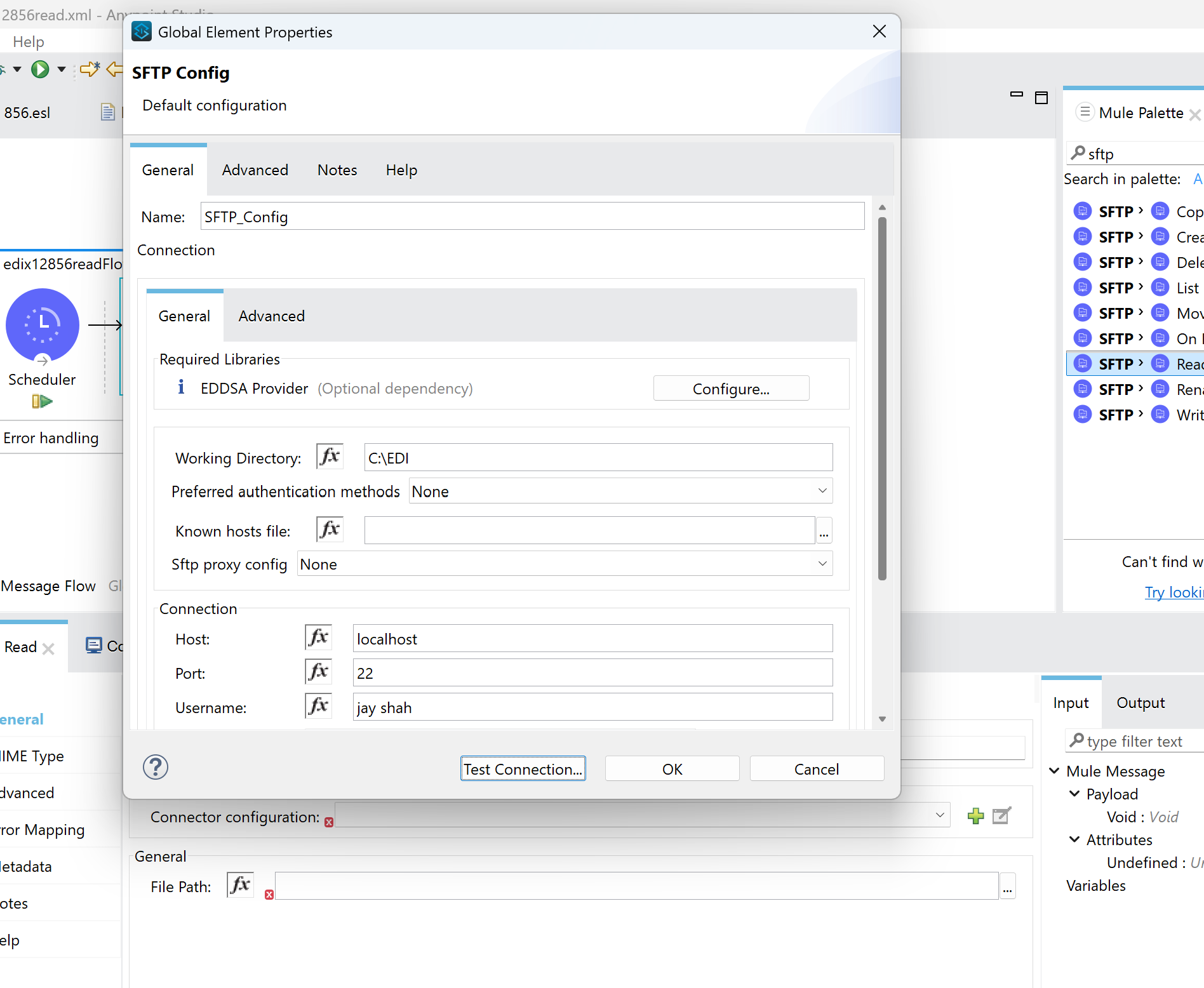
Configure SFTP connector and directory from where you need to read SFTP file
Sample EDI 856 file (place this on the SFTP server):
ISA*00*          *00*          *01*MULESENDER     *02*MULERECEIVER   *251226*0042*U*00501*000000001*0*T*:
GS*SH*SENDERID*RECEIVERID*20251225*2359*1*X*005010
ST*856*0001
BSN*00*ASN000001*20251225*2359*0001
HL*1**S
TD1*CTN25*1
TD3*UPSN*1Z999999
TD5*B*2*UPSN*G*GROUND
REF*BM*BL123456
REF*CN*1Z12345
DTM*011*20251225
N1*SF*MULE TEST SHIPPER*92*100
N1*ST*MULE TEST RECEIVER*92*200
HL*2*1*O
REF*PO*PO000001
PRF*PO000001
HL*3*2*P
HL*4*3*I
LIN**BP*ITEM0001*VP*ITEM0001
SN1**1*EA
PID*F****TEST ITEM
CTT*1
SE*18*0001
GE*1*1
IEA*1*000000001
Configure SFTP Connector working directory, username and password, path of the file
-
Add below transform message which can convert the file to java to read by EDI connector
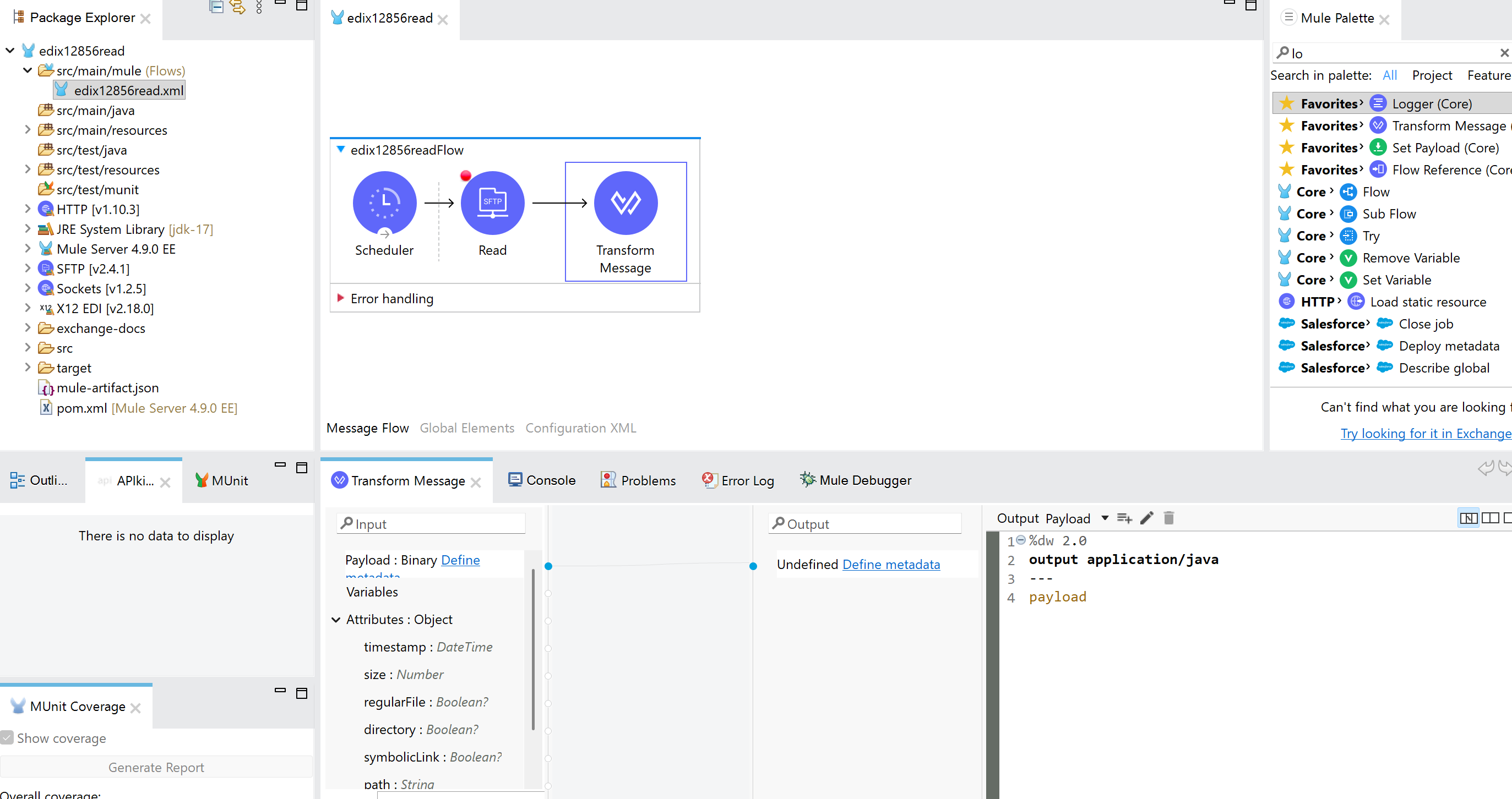
%dw 2.0 output application/java --- payload -
Add EDI X12 Read to the studio to parse the EDI 856 file
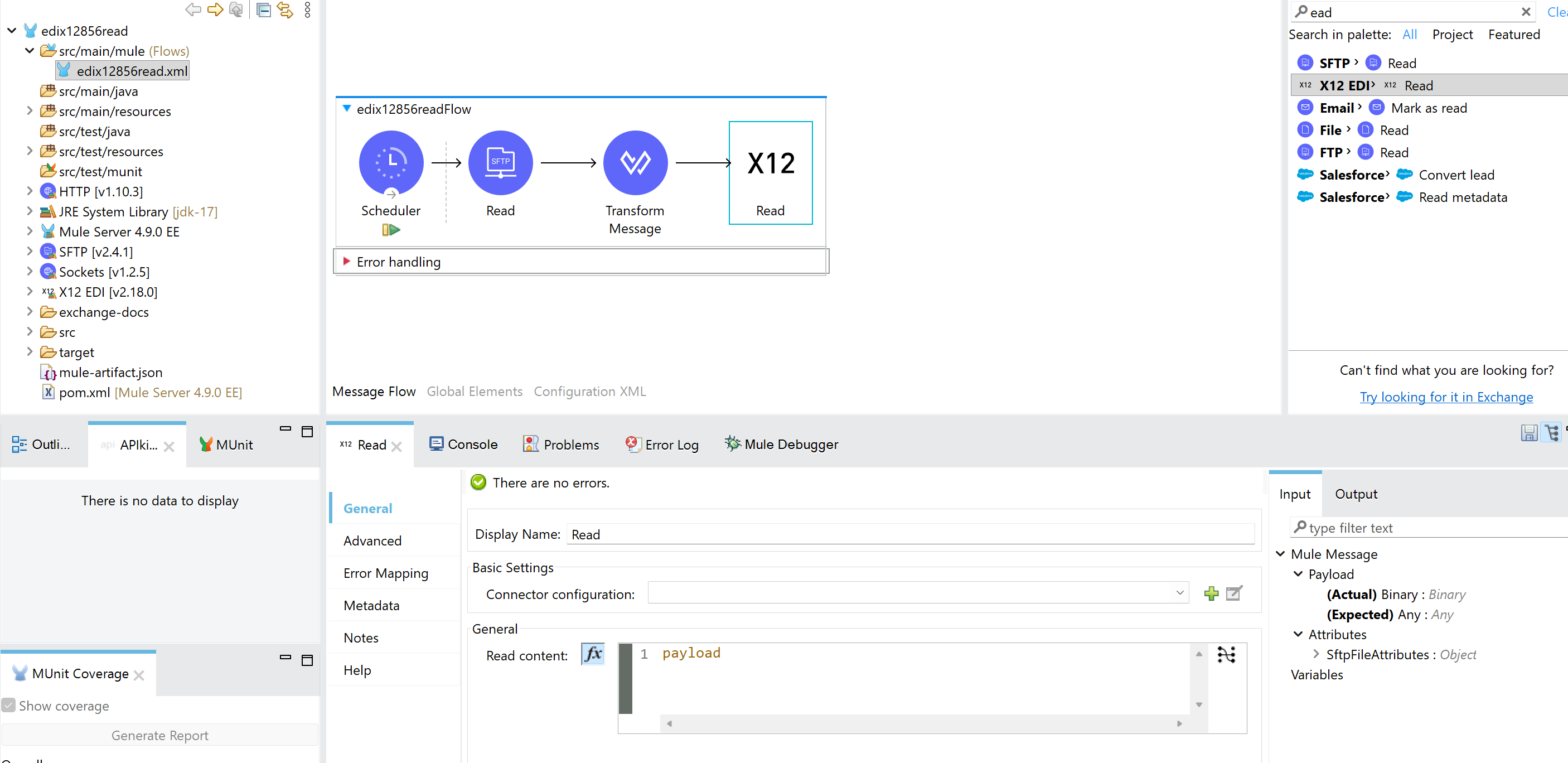
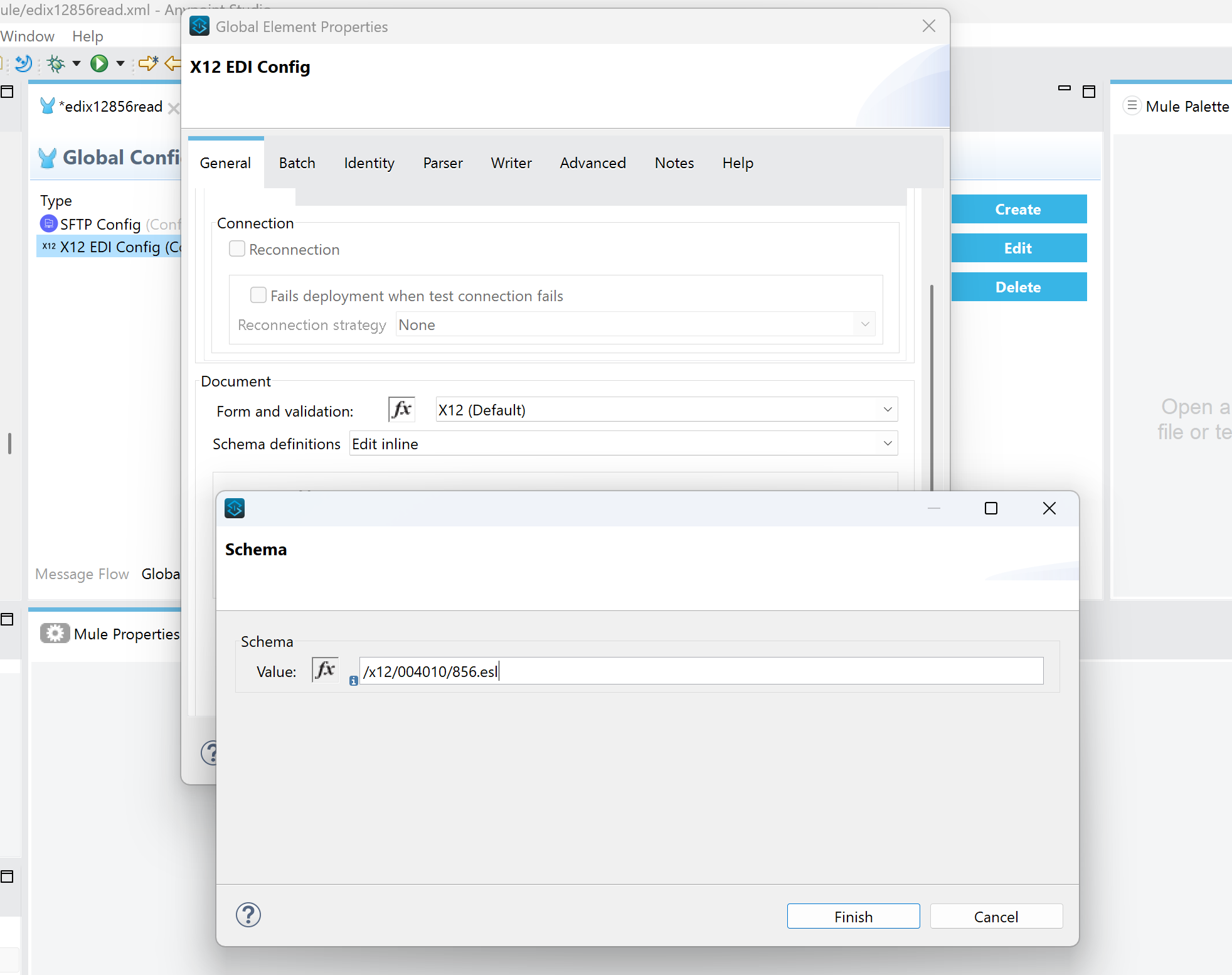
In the EDI X12 Read configuration, go to General -> Schema Definitions -> Add the EDI 856 schema.
-
Configure Identity Section inside EDI X12 Connector to configure sender and receiver
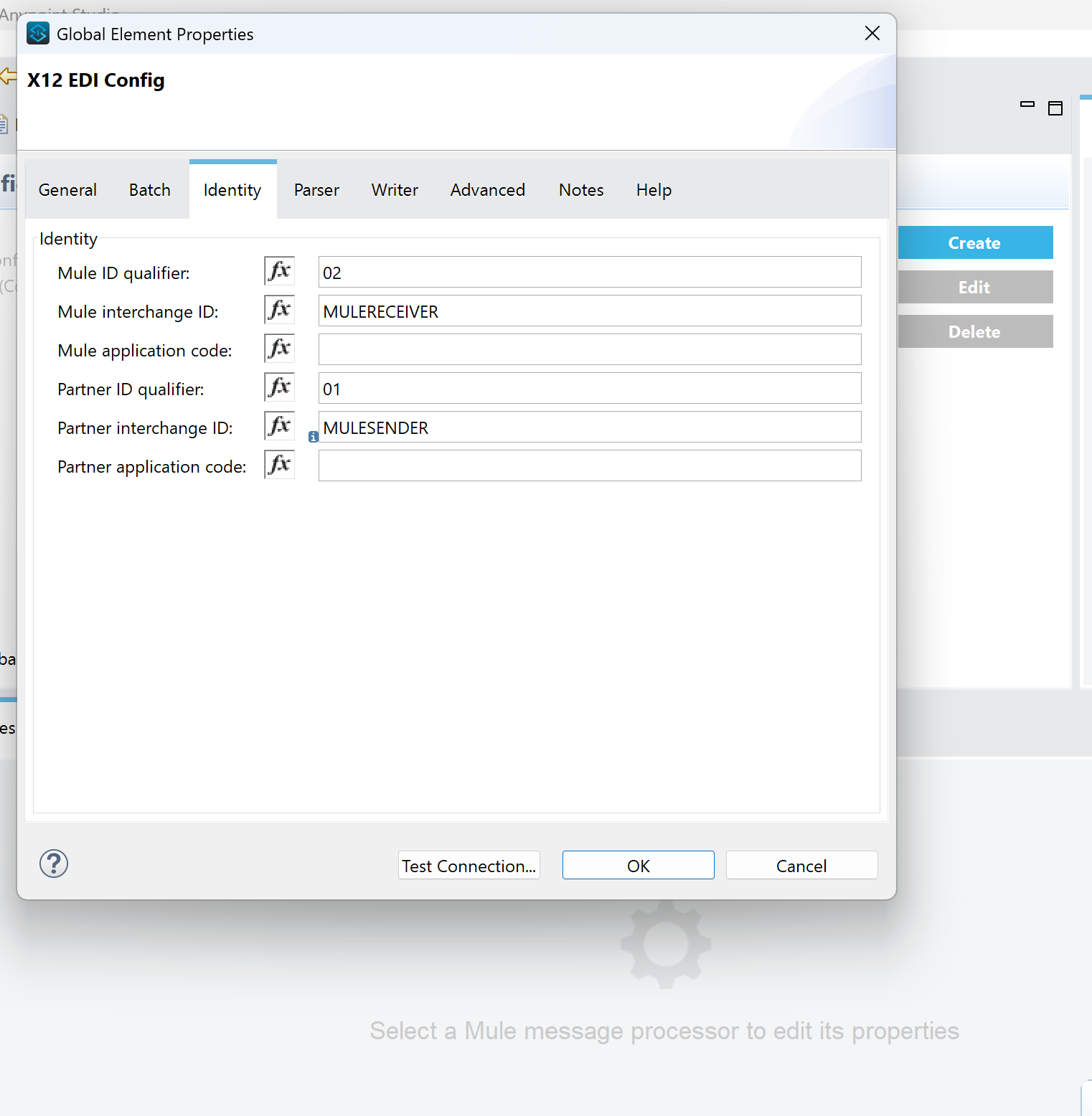
Mule Interchange ID and Partner Interchange ID should exactly match the Sender ID and Receiver ID you have in EDI file, in case of Read, you will be the receiver and you will be sender in case you are sending EDI file to third-party
-
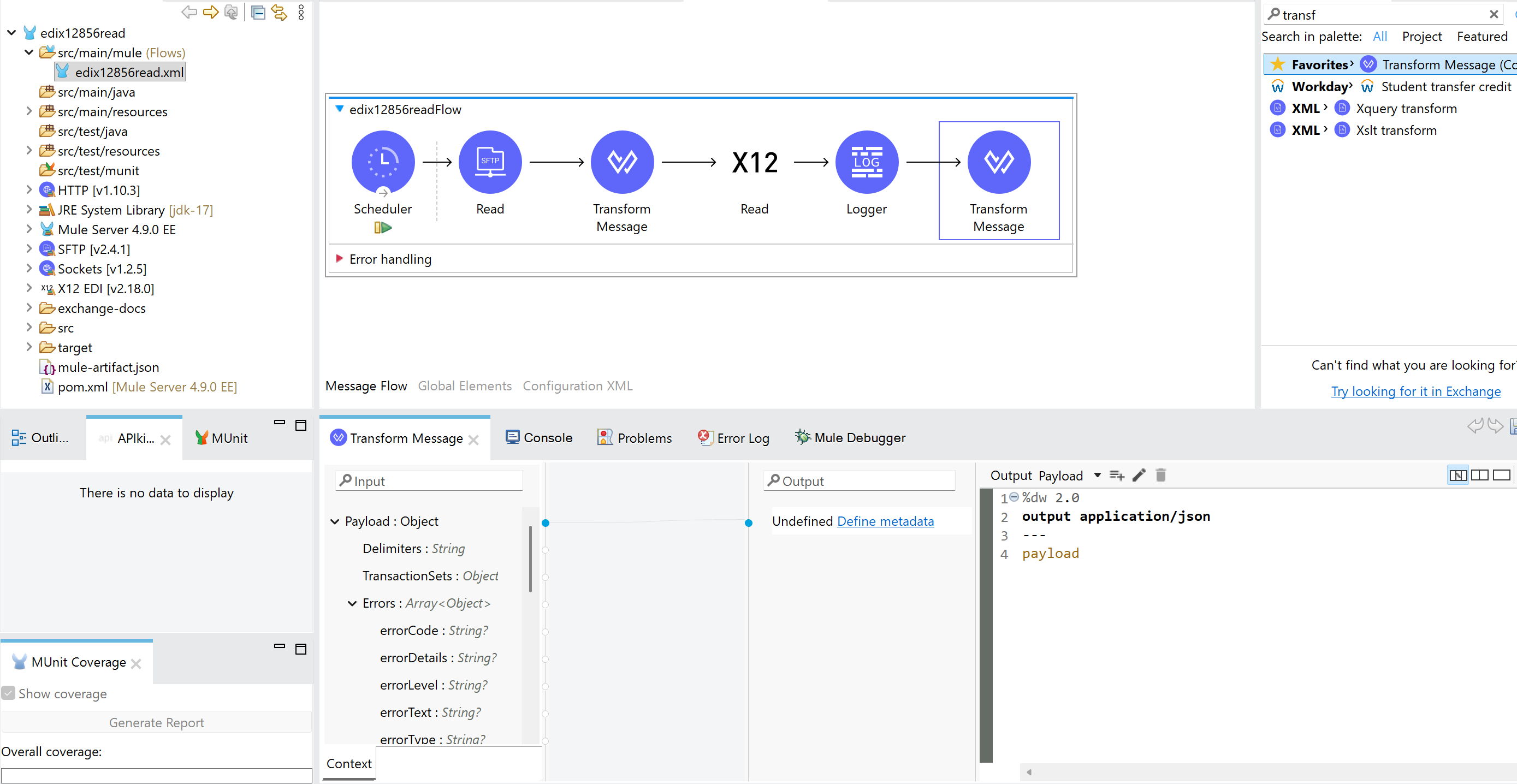
Add a logger optionally and at the last, convert the EDI file contents to JSON format
Conclusion
Integrating EDI 856 with Mulesoft is straightforward when you separate concerns: reception, validation, transformation, and delivery. By leveraging DataWeave for mapping and Mulesoft connectors for transport, you can build robust, maintainable integration flows that meet enterprise requirements.